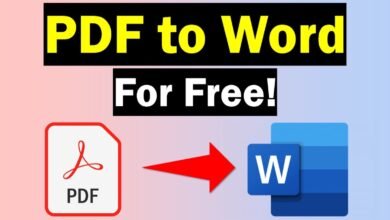
If you have a Word document that you want to share, print, or upload online, converting it to PDF is a simple solution. A PDF keeps your document’s layout, fonts, images, and formatting consistent across different devices.
How to Make a Word Doc a PDF
The easiest way to convert a Word document to PDF is by using Microsoft Word. First, open the Word document you want to convert. Once the file is open, click File and then select Save As or Export, depending on your version of Microsoft Word.
Next, choose PDF as the file format. Select where you want to save the new file, give it a suitable name, and click Save. Word will create a PDF version of your document while keeping most of the original formatting.
You can also use the Print option if you do not see a PDF option under Save As. Choose Microsoft Print to PDF as your printer, select a location for the file, and save it.
Why Convert a Word Document to PDF?
PDF files are useful because they are easy to share and usually look the same on different computers and mobile devices. They are also commonly required for applications, business documents, forms, resumes, and official submissions.
If you do not have Microsoft Word, you can also use an online Word-to-PDF converter. These tools allow you to upload your document and convert it into a PDF directly from your browser.
Converting a Word document to PDF only takes a few moments and is one of the easiest ways to create a professional, shareable version of your document.